I Got Fed Up — So I Tested Everything
Honestly, I was just trying to save a YouTube video to watch on a flight. That's it. Simple thing. Except it took me 20 minutes, three different websites, two accidental malware clicks, and one browser extension I immediately uninstalled before I actually got my file. And the video came out at 360p.
That was the breaking point. I decided to actually sit down and test every major video downloader website properly — not just visit the homepage and call it a day, but paste real URLs and see what actually comes back.
Here's what I found after going through all of them.
The Real Problem With Most Free Downloaders
Before I get into the rankings, I want to be honest about what's actually out there right now in 2026. Most free video downloader websites are genuinely bad. Not "could be better" bad. Actually bad.
The ad situation has gotten worse. We're talking full-page overlays before you can even paste a URL. Fake download buttons that look identical to the real one — except they install something. Countdown timers that exist for no reason other than to make you sit through another ad. I clicked a fake download button on one site and it tried to get me to install a Chrome extension. On a different site, the same thing happened twice on the same page.
Quality is the other dirty secret. Most of these tools cap you at 720p and don't tell you. A few YouTube-specific ones will only give you 360p audio+video merged — if you want anything higher you have to pay, and even then it's not always 1080p. I tested one popular site that claims "HD downloads" and every single video came back at 480p. Their definition of HD and mine are clearly different.
So with all that context — here are the five that actually survived my testing.
The 5 That Actually Work
1. Buckty — The One I Actually Use Now
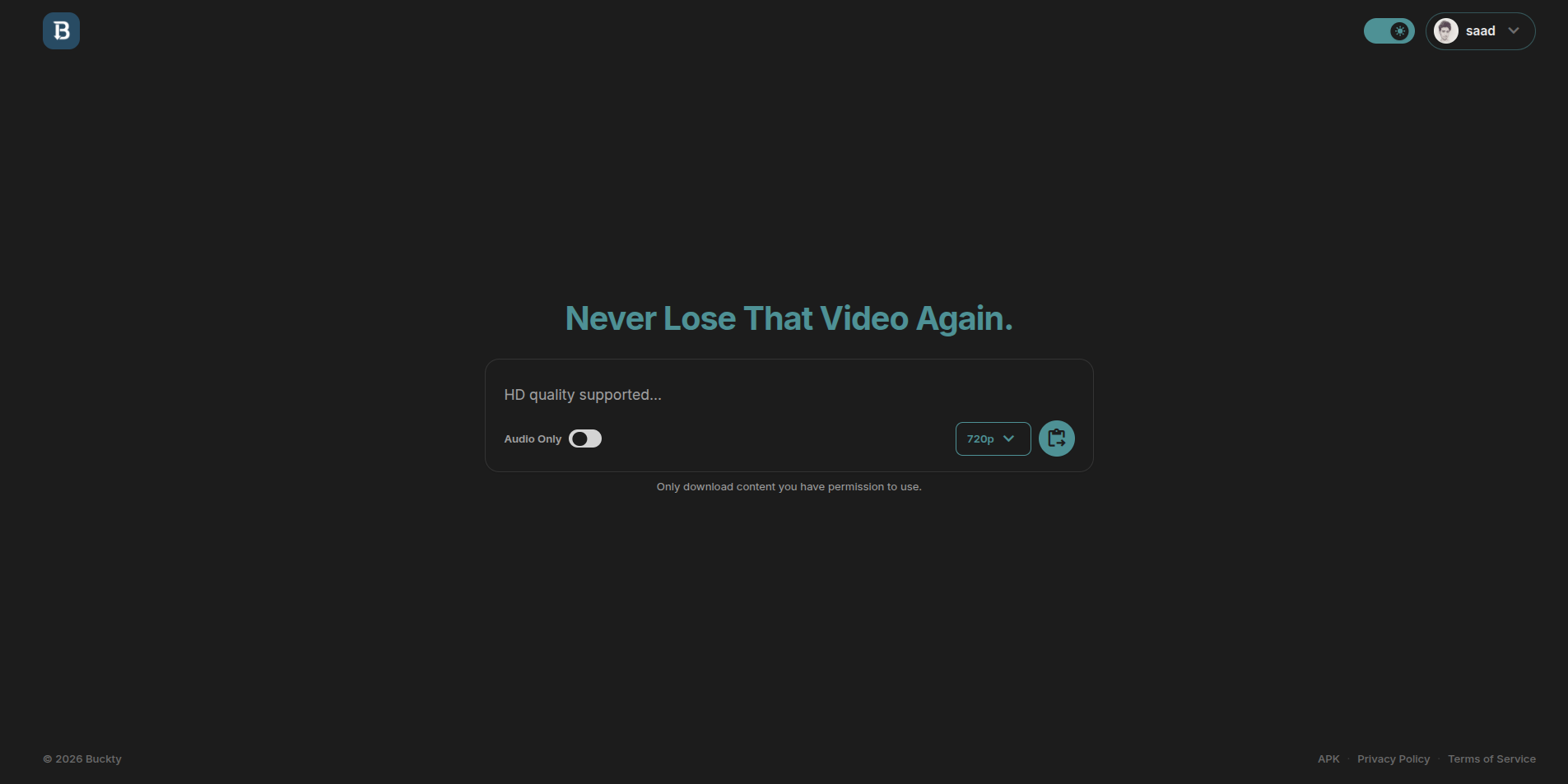
Platforms: YouTube, Instagram, TikTok, Twitter/X, Facebook, Snapchat, Pinterest, LinkedIn, Threads, Vimeo, and 1,800+ more.
Quality: 720p free without an account. Up to 4K when logged in.
Ads: None. Zero. Not a single one on the actual download flow.
File size limit: None.
Watermarks added: No.
Speed: Fast — URL to download in under 5 seconds on most platforms.
I'll be straight with you — Buckty is what I landed on after testing everything else. The main reason is boring but important: it just works every time. I've pasted YouTube links, Instagram Reels, TikTok videos, Twitter clips, Facebook videos, all through the same box, and every single one came back with an actual download. No errors, no "this platform isn't supported," no redirects.
The no-ads thing is real. I kept waiting for a popup or an overlay or a fake button and it never came. The download flow is literally: paste URL, pick quality, click download, get file. That's the whole thing. I timed it — most downloads were ready in about 3 to 4 seconds from paste to file.
What I didn't expect was how good the quality actually is. Free users without an account get 720p, which is fine for most stuff. But if you make a free account, the quality selector opens up to show you every available stream — and for YouTube videos that were uploaded in 4K, you actually get 4K. I tested this with a few 4K nature videos and a couple of gaming videos and it came through clean every time. That's not something I've seen from any other free tool.
There's also a Google Drive integration if you want your downloads to go straight to Drive instead of your device. That's a paid feature, but it's genuinely useful if you download a lot and don't want files piling up on your phone.
One more thing that actually matters to me: Buckty doesn't log the URLs you paste. I checked the privacy policy properly and it's explicit about this. When you're downloading stuff you'd rather keep private, that's not a small thing.
The only real downside: You're capped at 720p without logging in. If you want 4K you need a free account. That's a reasonable tradeoff but worth knowing upfront.
Website: buckty.cloud
2. GetInDevice — Good for Social, Useless for YouTube
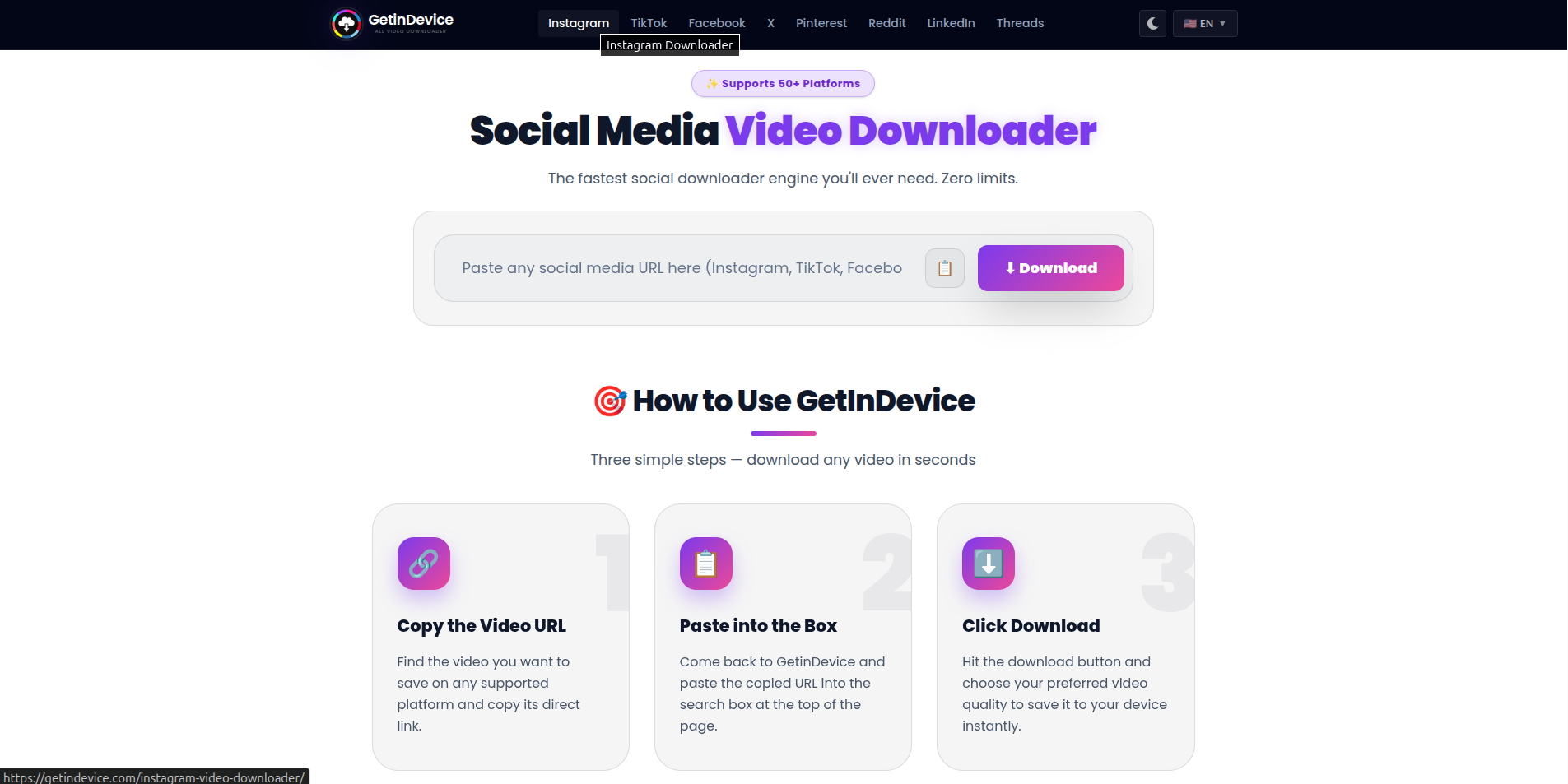
Platforms: Facebook, Instagram, Pinterest, Threads, Twitter/X, Snapchat, Tumblr, LinkedIn. No YouTube.
Quality: Around 1080p on Instagram and Facebook in my tests. Not published officially.
Ads: Cleaner than most. I didn't hit any popups during testing.
GetInDevice is actually decent if you're only downloading social media content. The interface is clean, it didn't throw ads at me, and Instagram and Facebook downloads came back at reasonable quality. I tested a Facebook video and an Instagram Reel and both worked fine on the first try.
But here's the thing — it doesn't support YouTube at all. If you paste a YouTube link, nothing happens. So if there's any chance you'll ever need to download a YouTube video, GetInDevice can't be your only tool. You'll end up needing Buckty anyway, at which point GetInDevice becomes redundant since Buckty handles all the same social platforms too.
The quality cap is also unclear. My tests showed around 1080p but the site doesn't document this anywhere. You just have to trust that you're getting the best available stream, which I'm not a huge fan of.
Best for: Pure social media downloading where you specifically don't need YouTube and want something with a clean interface.
3. InDown.io — Fine for Three Platforms, Nothing More
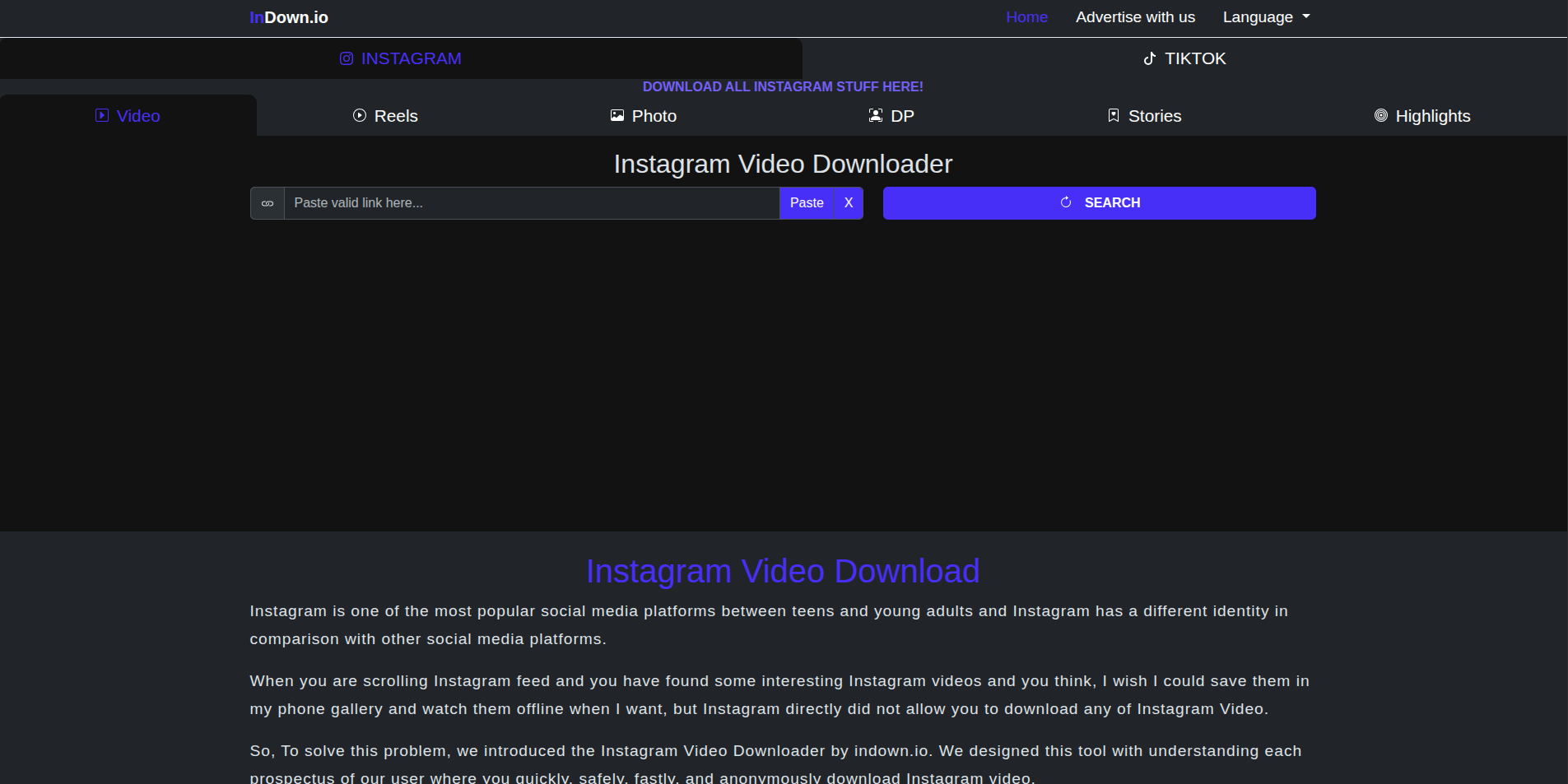
Platforms: Instagram, Pinterest, TikTok only.
Quality: Not documented. Downloads matched platform export quality in my tests.
Ads: Not clearly disclosed on the site.
InDown covers Instagram, Pinterest, and TikTok and handles those three reasonably well. The experience is straightforward — paste, download, done. No account needed.
What bothers me about InDown is the lack of transparency. They don't tell you what quality you're getting, they don't tell you if there's a premium tier, and the ad situation isn't clearly explained anywhere. In my testing it was fine, but I don't love using tools where I can't figure out the business model. Somebody's paying for those servers.
Platform coverage is also narrow. YouTube, Facebook, Twitter, Snapchat — none of those work here. If you need any of them you're switching tools mid-session, which defeats the purpose of having a go-to downloader.
Best for: Very specific use case — Instagram, Pinterest, or TikTok only, and you want the simplest possible interface with no decisions to make.
4. SnapInsta — Instagram Only, But It's Good at It
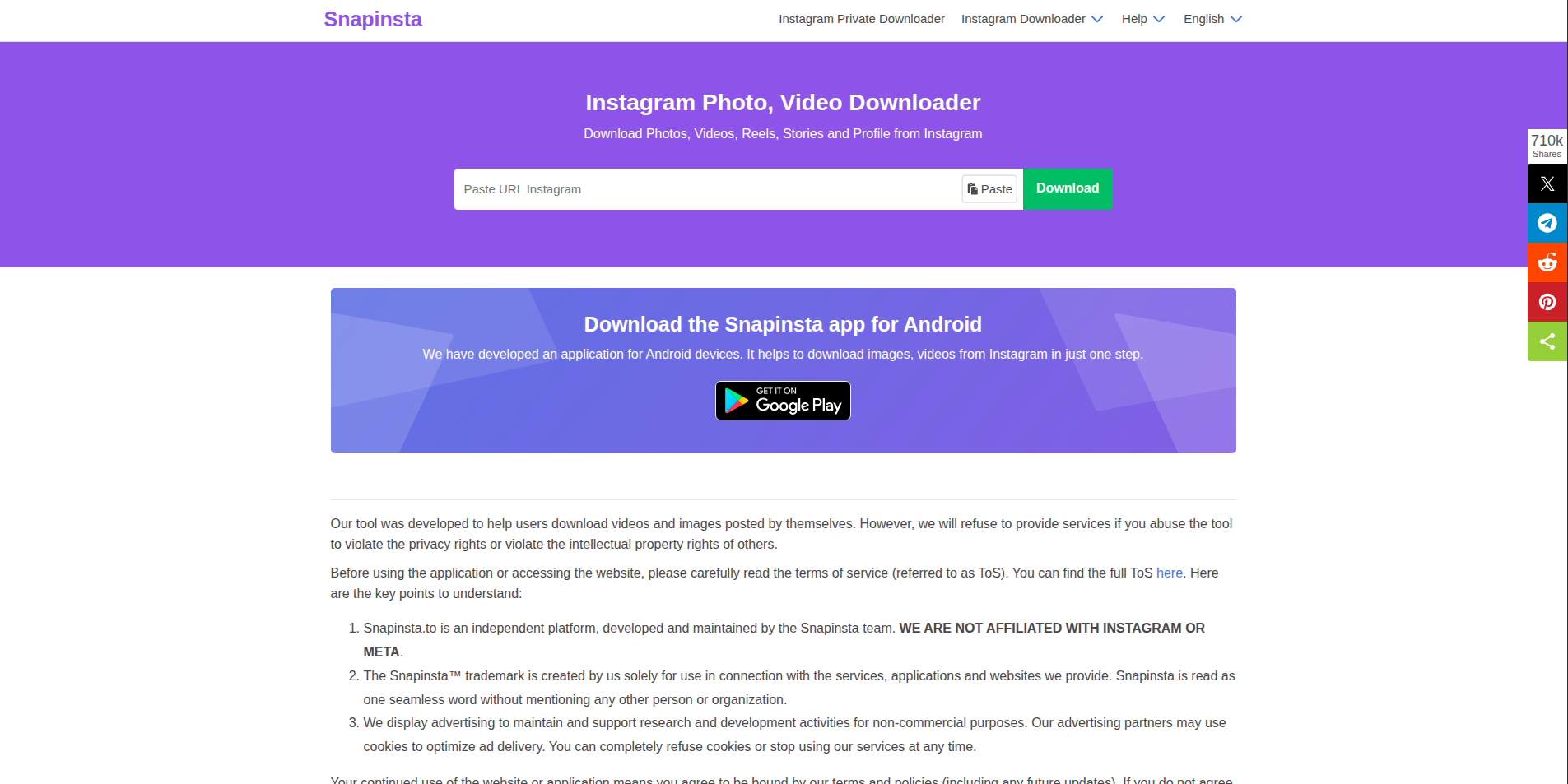
Platforms: Instagram only — Reels, posts, Stories.
Quality: Matches Instagram's native export quality.
Ads: Not clearly disclosed.
SnapInsta does exactly one thing and it does it well: Instagram downloads. Reels, regular video posts, Stories — all of it works. The Story support is actually the standout feature here because a lot of broader tools handle Stories inconsistently or not at all.
That said, this is a single-platform tool. Paste anything that isn't an Instagram URL and nothing will happen. It's built for one specific type of person — someone who only ever downloads Instagram content and wants a tool optimized specifically for that. If that's you, it's solid. If it's not, you'll outgrow it immediately.
Quality and ad details aren't published, which is a recurring theme with the lower-ranked tools on this list. My downloads looked fine, but I couldn't verify I was getting maximum quality.
Best for: Instagram-only users, especially if you regularly save Stories.
5. SSSTik.io — TikTok Without the Watermark
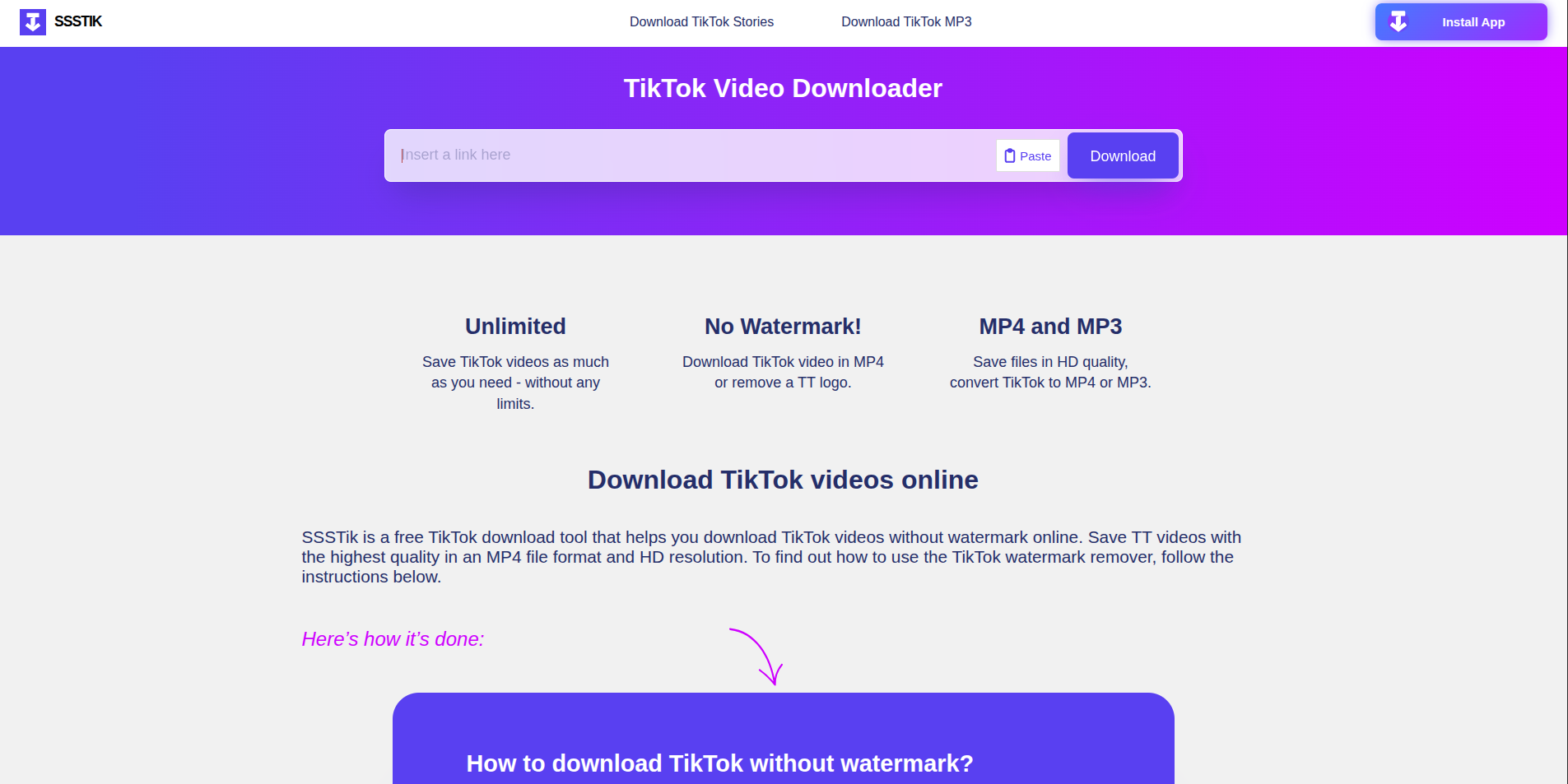
Platforms: TikTok only.
Quality: Around 1080p in testing. Watermark-free.
Ads: Not clearly disclosed.
SSSTik does one thing: downloads TikTok videos without the watermark. And it does that one thing well. The watermark removal works because it fetches the original file from TikTok's CDN before TikTok's export watermarking gets applied — so you get the clean version, not the one with the username and spinning logo burned in.
For content creators who repurpose TikTok videos to Instagram Reels or YouTube Shorts, that watermark removal is genuinely important. A watermarked video posted to another platform looks bad and tends to get suppressed by algorithms. SSSTik solves that cleanly.
But again — TikTok only. Paste anything else and nothing works. Same transparency issues as the others: ads and quality caps aren't documented. My tests returned around 1080p which was fine.
Best for: Creators who need clean, watermark-free TikTok downloads as part of a regular content workflow.
Side-by-Side — The Honest Comparison
| Tool | Platforms | Max Quality (Free) | No Ads | No Watermark | Speed | Transparent Privacy |
|---|---|---|---|---|---|---|
| Buckty ⭐ | 1,800+ | 720p free / 4K logged in | ✅ Yes | ✅ Yes | ✅ ~3–4 sec | ✅ Yes |
| GetInDevice | Social only, no YouTube | ~1080p (tested) | ✅ Yes | ✅ Yes | ⚠️ Average | ❌ Not stated |
| InDown.io | IG, Pinterest, TikTok | Not stated | ❌ Not stated | ✅ Yes | ⚠️ Average | ❌ Not stated |
| SnapInsta | Instagram only | Not stated | ❌ Not stated | ✅ Yes | ⚠️ Average | ❌ Not stated |
| SSSTik.io | TikTok only | ~1080p (tested) | ❌ Not stated | ✅ Yes | ⚠️ Average | ❌ Not stated |
So Which One Should You Actually Use?
Honestly? Just use Buckty and be done with it. It covers every platform, it's fast, there are no ads to fight through, and you actually get proper quality. Every other tool on this list requires you to remember "oh wait, this one doesn't do YouTube" or "this one only does TikTok" — and that's just extra friction you don't need.
The only reason to use one of the others is if you have a very specific, single-platform workflow and you've already decided you'll never need anything else. SnapInsta if you're Instagram-only and care about Stories. SSSTik if you're a TikTok creator who needs watermark-free downloads regularly. GetInDevice if you're social-only and just want a clean interface.
But if there's any chance you'll ever want to download from more than one platform — and there usually is — Buckty is the only one that handles that without making you switch tools mid-session.
One Thing Worth Knowing About These Sites
When you paste a URL into a video downloader, that URL tells the site exactly what you're watching and where. Most of these tools don't say anything about what they do with that data. They have privacy policies that include broad language about "analytics partners" and "improving the service" — which typically means the URLs you paste are being logged and used in some way.
Buckty is the only one on this list that's explicit about not logging URLs. That's in the actual privacy policy, not just a marketing claim. If you're downloading anything you'd rather keep private, that distinction matters.
Also — if any downloader ever asks for your social media login credentials, close the tab immediately. Legitimate tools only need a public URL. Any site claiming it can access private content through your login is after your password, not your video.
Bottom Line
Most free video downloaders in 2026 are genuinely frustrating to use — slow, ad-heavy, quality-capped, and weirdly opaque about what they're actually doing with your data. The five on this list are the ones that survived actual testing with real URLs across real platforms.
Buckty is the one I'd recommend to basically anyone. The others have their place if you have very specific needs. But for most people who just want to save a video without a 10-minute battle against fake download buttons and popup ads — Buckty is the answer.